



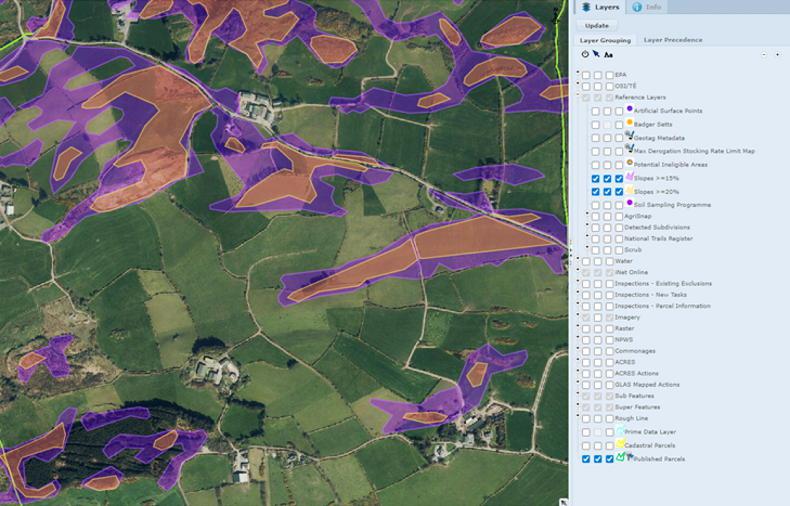
The Department of Agriculture has published new maps showing lands which are categorised as sloping steeply with an incline of 15% or 20%.
The definition of steeply sloping according to good agricultural practice (GAP) regulations is “ground which has an average incline of 20% or more in the case of grassland or 15% or more in the case of other land”.
The maps can be accessed via the mapping facility on the Basic Income Support for Sustainability (BISS) portal.
The significance of the maps concern the methods governing the application of slurry and also to mitigate pollution risks where applying organic manures and chemical fertiliser.
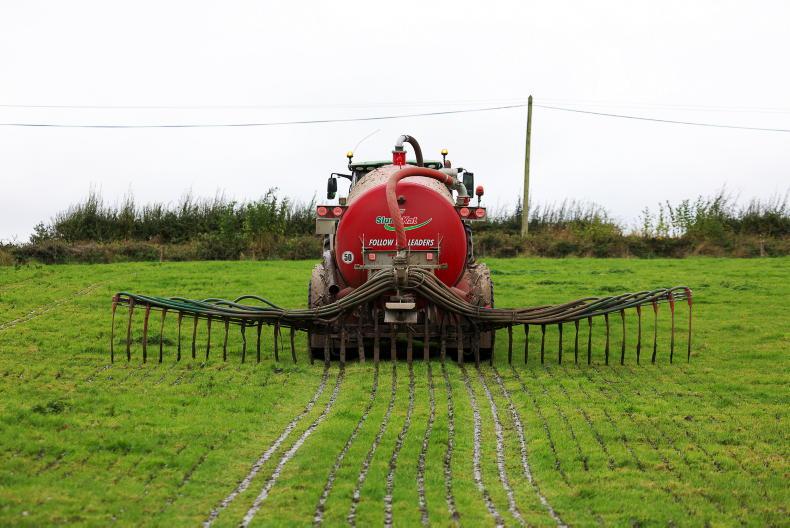
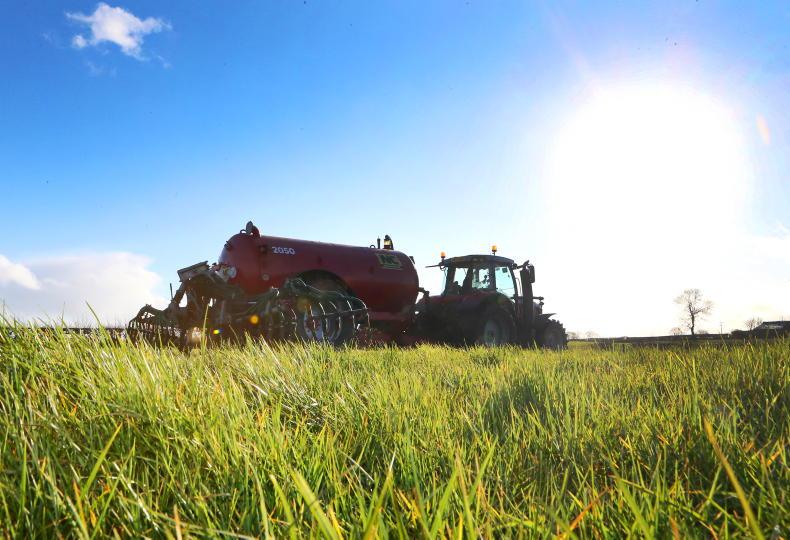
Farmers with a grassland stocking rate of upwards of 100kg organic nitrogen (N) per hectare (ha) in the previous calendar year are obliged to apply slurry via low emissions slurry spreading (LESS) equipment.
For example, farmers who had a grassland stocking rate of above 100kg N/ha in 2025 must apply slurry with LESS equipment in 2026.
The only caveat to this according to the Department of Agriculture is “in the case of grassland, where, for operator health and safety reasons, it would be inappropriate to comply with the requirement to use LESS due to land within a grassland parcel sloping steeply".
"In this scenario, it is permitted to spread cattle slurry close to the ground using a downward-facing splash plate.”
Added significance
The Department’s correspondence to Farm Advisory System (FAS) advisers this week added that the definition of steeply sloping ground is provided for another reason.
It highlights that “the prohibition on the application of organic and chemical fertilisers or soiled water to land where the ground is sloping steeply and there is a risk of water pollution having regard to factors such as surface runoff pathways, the presence of land drains, the absence of hedgerows to mitigate surface flow, soil condition and ground cover”.
Accessing maps
The maps can be accessed through the BISS portal by entering the mapping section.
On the right hand of the map, there is an option to select on the tab - layers. This will bring up a list of features which can be turned to live on the mapping system.
The fifth feature named reference layers expands by clicking on the plus symbol on the left.
If you scroll down, there is the option to tick three boxes in each of the features - slopes >=15% and slopes >=20%.
Once these are ticked, go back to the top of the section and click 'update' and this will turn this feature live. A purple colouring denotes ground which has an incline of >=15%, while an orange polygon denotes an incline of greater than or equal to 20%.



SHARING OPTIONS